SimchaCam Guides
Best Platform to Livestream a Wedding in 2026: SimchaCam vs Zoom, YouTube, WhatsApp, Facebook Live & More
Compare SimchaCam, Zoom, YouTube Live, WhatsApp, Facebook Live and more to choose the best way to livestream a wedding or family event.
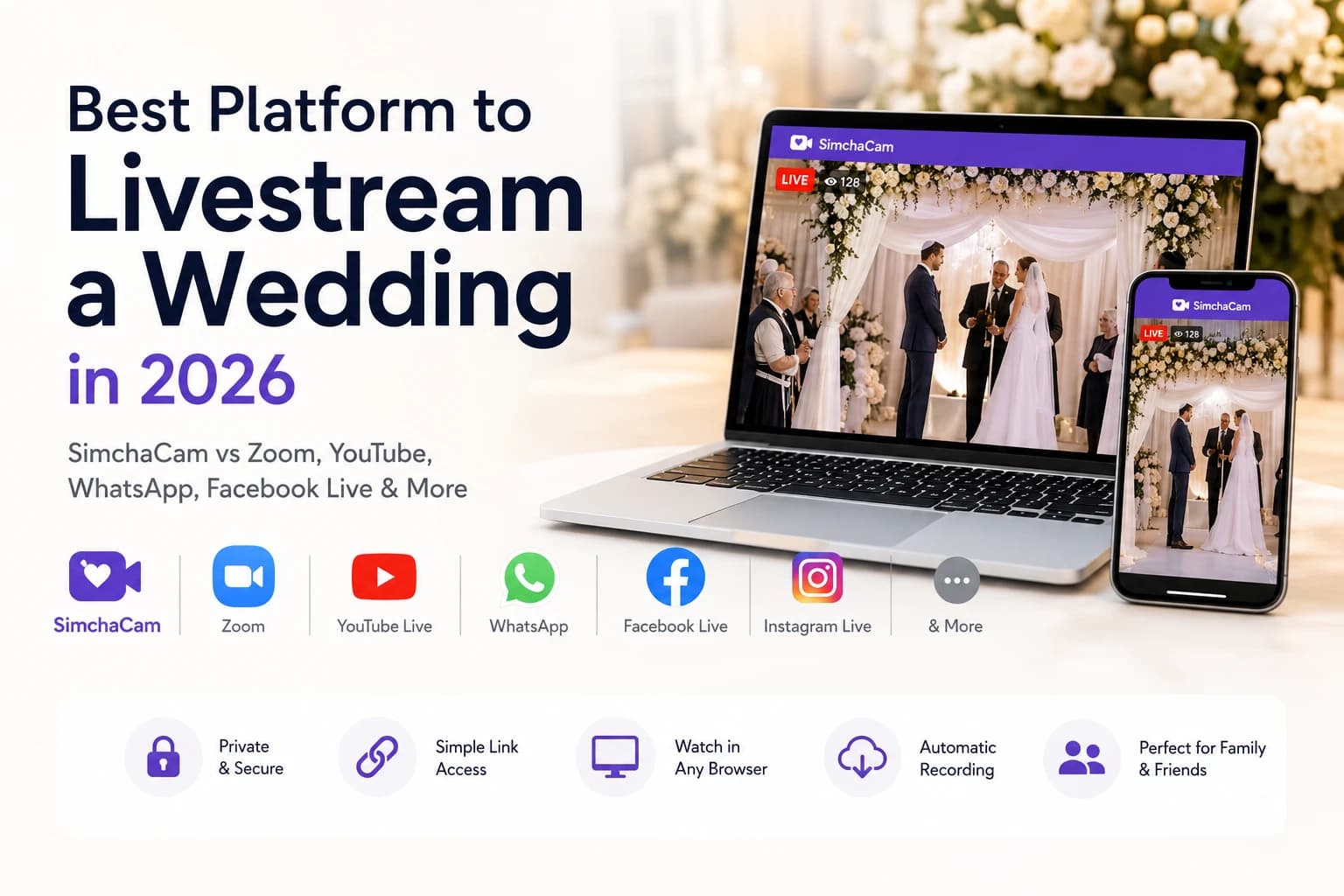
When someone you love can't attend your wedding, bar mitzvah, brit milah, baby naming or another family celebration, the obvious question becomes:
"What's the best way to livestream it?"
A quick search reveals dozens of options. Zoom. WhatsApp. YouTube Live. Facebook Live. Instagram Live. Twitch. Professional streaming software.
Each platform promises to get your event online—but they're all designed for different audiences and different purposes.
Some are built for meetings.
Some are built for influencers.
Some are built for gamers.
Very few are designed specifically for sharing life's biggest moments with family and friends.
TL;DR
If you want guests to talk together, choose Zoom.
If you want to broadcast publicly, choose YouTube Live or Facebook Live.
If you simply want family and friends to click a private link, watch in their browser, and enjoy the moment without downloading an app or joining a meeting, SimchaCam is the platform built for exactly that.
In this guide, we'll compare the most popular livestreaming platforms to help you choose the right one for your event.
Thinking about livestreaming your own event?
If you're planning your celebration, you may also enjoy reading:
Or, if you're ready, create your first event in just a few minutes.
Quick comparison
| Platform | Private Viewing | Guests Need an Account? | Recording | Best For |
|---|---|---|---|---|
| SimchaCam | Yes | No | Included | Weddings, bar mitzvahs, brit milahs, family events |
| Zoom | Yes | Sometimes | Optional | Meetings and interactive calls |
| Yes | Yes | No | Small family video calls | |
| Facebook Live | Limited | Often | Yes | Community broadcasts |
| Instagram Live | Limited | Yes | Limited | Social media followers |
| YouTube Live | Public or Unlisted | No | Yes | Public broadcasts and creators |
| Twitch / Kick | Mostly Public | Usually | Limited | Gaming and creator content |
What makes a good wedding livestream?
Before comparing platforms, it's worth thinking about what most families actually want.
Typically, the goal isn't to host a video conference.
It's simply to let loved ones who couldn't attend experience the occasion as naturally as possible.
That usually means:
- A private viewing experience
- A simple link anyone can open
- No apps to install
- Reliable HD video
- Automatic recording
- No unexpected interruptions
- An experience that's easy enough for grandparents to use
With those priorities in mind, let's compare the options.
SimchaCam
SimchaCam was built specifically for private family events.
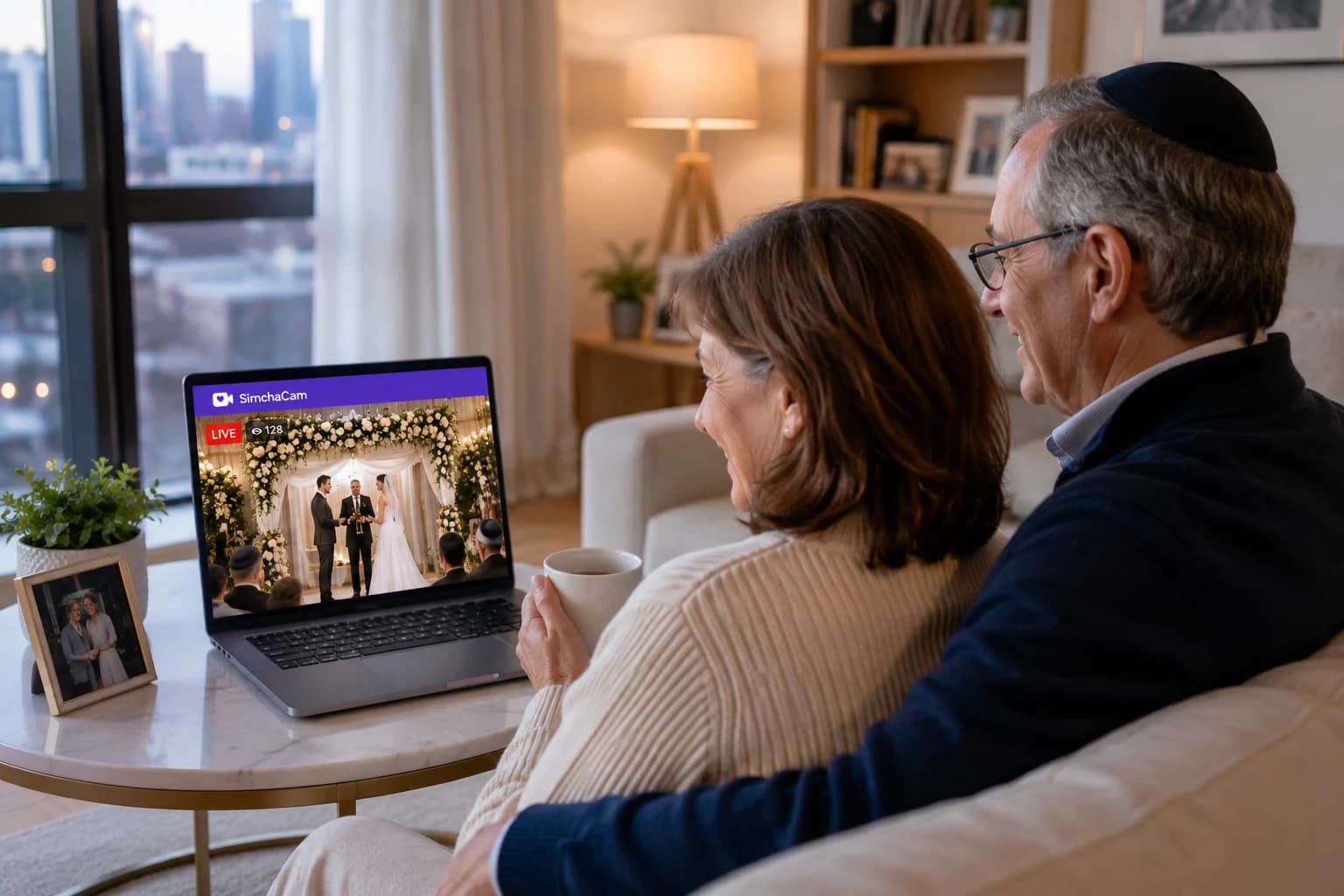
Instead of creating a virtual meeting where everyone joins with cameras and microphones, it creates a private livestream that invited guests simply watch.
Guests don't need to install an app or create an account.
They receive a private link, open it in their browser and immediately begin watching.
For hosts, this means spending less time acting as technical support and more time enjoying the celebration.
Pros
- Purpose-built for weddings and family events
- Private by default
- Optional password protection
- No viewer accounts required
- No apps to install
- Works in any modern browser
- Automatic recording
- Extremely simple for guests
Cons
- Designed for broadcasting events rather than interactive meetings.
Best for: Weddings, bar mitzvahs, brit milahs, engagements, baby namings, funerals and other private family celebrations.
Zoom
Zoom became the world's favourite meeting platform for good reason.
It's reliable, familiar and excellent for conversations between multiple people.
However, livestreaming a wedding isn't the same as hosting a business meeting.
Hosts often find themselves managing participants, muting microphones, helping guests connect and dealing with accidental interruptions.
If your goal is interaction, Zoom is excellent.
If your goal is simply letting people watch the ceremony, it can feel unnecessarily complicated.
Pros
- Excellent video conferencing
- Reliable
- Familiar interface
- Great for conversations
Cons
- Built around meetings rather than broadcasts
- Participant microphones and cameras can become distractions
- More host management required
Best for: Interactive family gatherings and meetings.
WhatsApp video calls
WhatsApp is perfect for quick family video calls.
Almost everyone already has it installed.
But livestreaming a wedding is very different from calling your grandparents.
WhatsApp wasn't designed for broadcasting formal events to larger audiences, and it doesn't provide the same viewing experience or recording capabilities as dedicated livestreaming platforms.
Pros
- Very familiar
- Extremely easy to use
Cons
- Requires WhatsApp
- No proper livestream experience
- No built-in recording
Best for: Small family calls.
Facebook Live
Facebook Live remains popular for community organisations and public events.
If your audience already uses Facebook regularly, it can work well.
For private family celebrations, however, many hosts prefer not to rely on social media.
Privacy settings can sometimes be confusing, and not everyone has a Facebook account anymore.
Pros
- Easy sharing
- Recording available
- Good for community events
Cons
- Facebook account often required
- Privacy depends on settings
- Social media distractions
Best for: Community and public broadcasts.
Instagram Live
Instagram Live is designed for creators speaking to followers.
It's quick and convenient.
But weddings and bar mitzvahs deserve a calmer viewing experience than a social media feed.
Pros
- Easy to start
- Familiar to Instagram users
Cons
- Requires Instagram
- Built for creators
- Less suitable for formal events
Best for: Casual broadcasts.
YouTube Live
YouTube Live delivers excellent video quality and is trusted by professional creators worldwide.
It also automatically records broadcasts.
However, YouTube is fundamentally a content platform rather than a private event platform.
Even with an Unlisted stream, guests are still watching on YouTube rather than within an experience designed for family celebrations.
Pros
- Excellent quality
- Automatic recording
- Browser-based viewing
Cons
- Additional setup
- Less personal viewing experience
- YouTube branding
Best for: Public livestreams and content creators.
Twitch and Kick
Twitch and Kick offer outstanding livestreaming technology.
They're built for gaming, esports and online creators.
They're probably not what your grandparents expect when watching your wedding ceremony.
Pros
- Excellent streaming infrastructure
- Designed for long broadcasts
Cons
- Public-first platforms
- Built for creators rather than families
Best for: Gaming and creator communities.
Which platform should you choose?
Every platform has strengths.
Choose Zoom if everyone needs to participate in the conversation.
Choose WhatsApp if you're making a quick family video call.
Choose Facebook Live if your audience already lives on Facebook.
Choose Instagram Live if you're broadcasting to followers.
Choose YouTube Live if you're comfortable managing livestreams and want YouTube's broadcasting tools.
Choose SimchaCam if you simply want family and friends to click a private link, watch in their browser and enjoy your special day without meetings, downloads or social media.
Frequently asked questions
Is Zoom good for livestreaming weddings?
Zoom works well when everyone wants to participate. If your guests simply want to watch the ceremony, a dedicated livestream platform usually offers a more natural experience.
Can I livestream a wedding privately?
Yes. SimchaCam was built specifically for private family events. Other platforms also offer private options, although they often require additional setup.
Do guests need to install an app?
With SimchaCam, no. Guests simply open a private link in their web browser.
Should I record my livestream?
Absolutely. Some guests may live in different time zones or be unable to watch live. A recording lets them enjoy the celebration afterwards.
Final thoughts
Technology has made it easier than ever to include loved ones who can't attend in person.
The best platform depends on the experience you want to create.
If you're hosting a meeting, Zoom is an excellent choice.
If you're broadcasting to followers, YouTube or Instagram may be ideal.
But if you're sharing one of life's biggest moments with family and friends, a purpose-built private livestream creates the simplest and most enjoyable experience for everyone involved.
Whichever platform you choose, the most important thing is that the people who matter most can still be part of your special day—no matter where they are in the world.
If that's the experience you're looking for, we'd love for you to try SimchaCam.