SimchaCam Guides
How to Livestream a Wedding for Family Abroad
Practical tips for livestreaming a wedding privately and reliably, so family abroad can watch the day in real time.
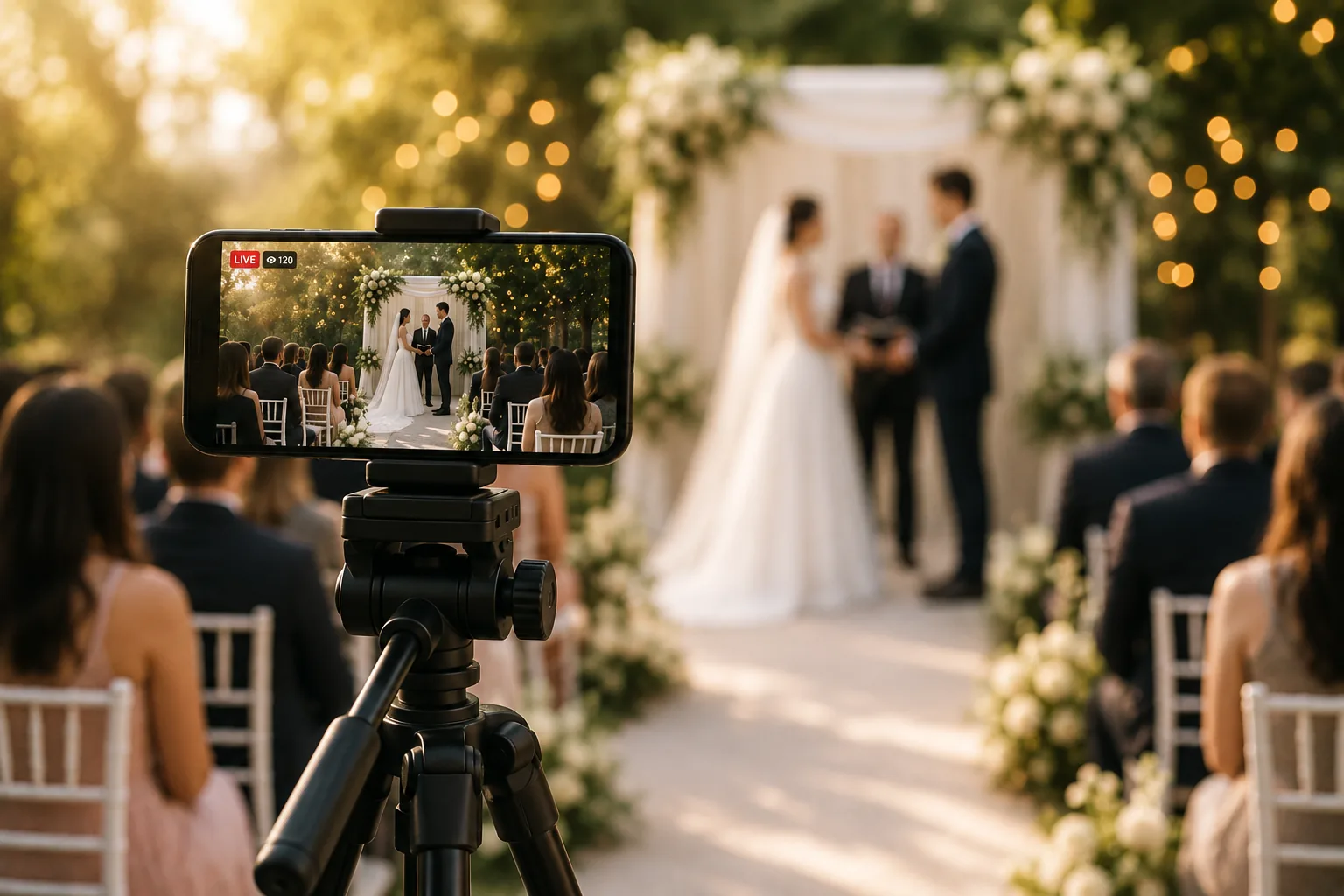
There was a time when if you couldn't make it to a wedding, you simply missed it.
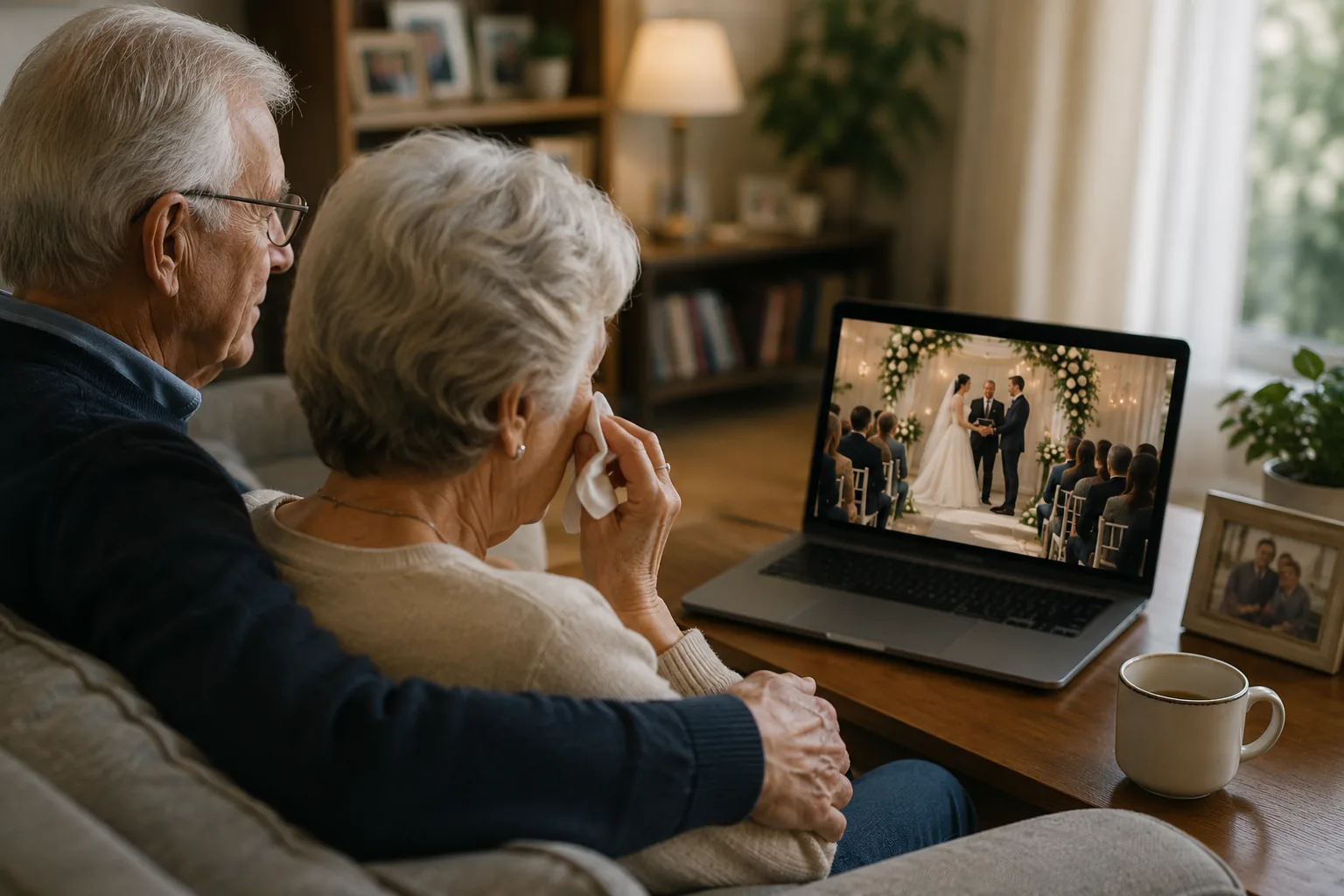
Today, families are spread all over the world. Grandparents may be unable to travel. Close relatives might be overseas, recovering from illness, serving in the military, looking after young children, or simply unable to leave their own families to attend.
A wedding is one of life's biggest moments, and thanks to modern technology, the people who can't be there in person don't have to miss it completely.
The good news is that livestreaming a wedding has never been easier.
The bad news is that many people only think about it on the day itself.
After building SimchaCam and speaking to families who have livestreamed their celebrations, I've learned that a little planning makes the difference between a wonderful experience and a frustrating one.
Here are some practical tips to help you get it right.
Start planning before the wedding day
One of my cousins recently celebrated a brit milah for his son. Family abroad desperately wanted to watch, but nobody had really planned how they were going to livestream it.
In the rush, someone asked, "Can you just set up a Zoom meeting?"
It seemed like the easiest solution.
Unfortunately, they started the meeting around 45 minutes before the ceremony actually began so everyone could join. As the rabbi was beginning the ceremony, the meeting reached Zoom's free time limit and disconnected.
We'd all spent 45 minutes patiently waiting, only for the stream to end just as the important part began.
By the time they realised what had happened, it was too late.
That experience perfectly illustrates why it's worth spending a little time planning beforehand instead of relying on whatever app happens to be installed on your phone.
Not every video app is designed for livestreaming
Another friend chose a different approach and used a WhatsApp group video call.
Technically, it worked.
Practically, it was chaotic.
Because it was a video meeting rather than a one-way livestream, the camera kept switching between participants whenever somebody made a noise. Someone coughed, another relative spoke, somebody forgot to mute themselves—and instead of watching the ceremony, viewers found themselves looking at different family members' ceilings or faces.
Video meetings are fantastic for conversations.
They're usually not the best tool for broadcasting an event.
A wedding isn't a meeting. People aren't joining to participate—they're joining to watch.
Test everything beforehand
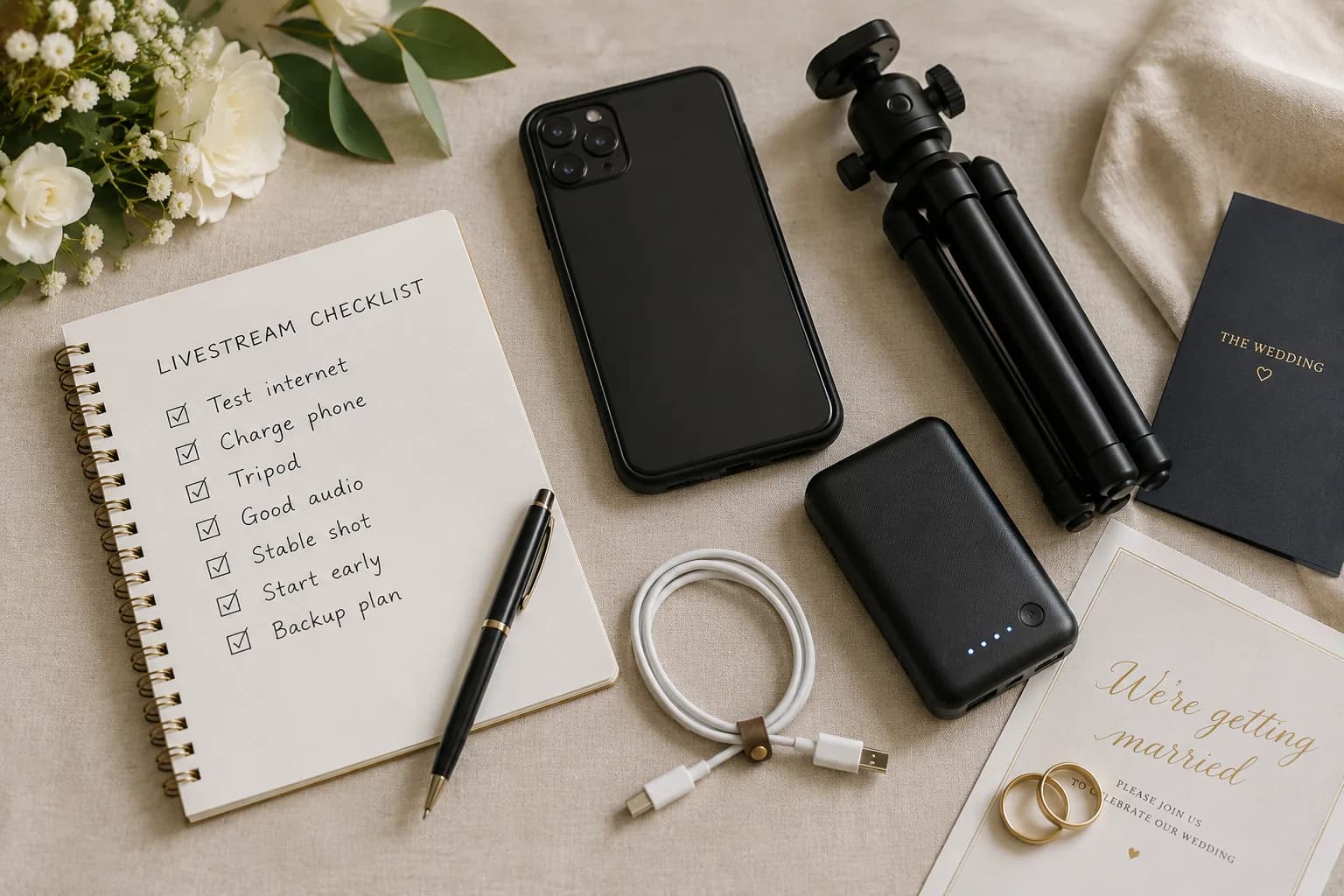
This is probably the single best piece of advice I can give.
Don't let the wedding day be the first time you try your setup.
If you're using SimchaCam, create a free event a few days beforehand. Share the viewing link with a friend or family member, then walk around the venue while they watch remotely.
You'll quickly discover:
- Whether your internet connection is reliable.
- Whether the audio is clear.
- Which camera angle works best.
- Whether there are any areas with poor signal.
Even a ten-minute test can reveal problems that would otherwise ruin the livestream.
Use your mobile data instead of venue Wi-Fi
People often assume the venue's Wi-Fi will be the best option.
In reality, that's often not the case.
Wedding venues aren't office buildings. Their Wi-Fi may not have strong coverage throughout the property, and guest networks can become congested once hundreds of people start connecting.
If you have a strong 5G signal, I'd generally recommend using your phone's mobile data instead.
Modern mobile networks are remarkably reliable, and because you're not sharing bandwidth with every guest in the room, they often provide a smoother streaming experience.
Of course, the key is to test beforehand rather than make assumptions.
Choose the right person to operate the stream
The bride and groom shouldn't be worrying about cameras.
Ideally, nominate someone you trust to handle the livestream from start to finish.
Choose someone who:
- Is comfortable with technology.
- Can arrive early.
- Will stay focused during the ceremony.
- Has a reliable, modern smartphone.
- Will take the responsibility seriously.
A livestream is only as good as the person operating it.
At SimchaCam we're introducing the ability for event organisers to nominate someone else as the official streamer, making it easier to hand over the technical side while keeping control of the event.
A good phone really does matter
You don't necessarily need the most expensive phone on the market, but newer devices generally produce noticeably better results.
Livestreaming isn't just recording video.
Your phone is simultaneously:
- Recording video.
- Capturing audio.
- Compressing the footage in real time.
- Uploading it continuously over the internet.
That's a demanding workload.
A recent iPhone or flagship Android device will usually provide a smoother, more reliable experience than an older handset.
Use a tripod
If I could recommend buying just one accessory, it would be a tripod.
Holding a phone by hand for an hour or two sounds easy.
It isn't.
Hands get tired.
People shift position.
Small movements become distracting for viewers.
A tripod gives you:
- A much steadier picture.
- A more professional-looking stream.
- Less fatigue for the person filming.
- A better overall viewing experience.
Sometimes the simplest improvements make the biggest difference.
Audio matters more than video
Many people obsess over video quality.
In reality, viewers are surprisingly forgiving of slightly softer video.
Poor audio is much harder to tolerate.
Think carefully about where you position the phone.
Avoid placing it directly beside loudspeaker systems, as the microphone can become overwhelmed, causing distorted or clipped sound.
Instead, try to position the phone where it has a clear view of the ceremony while remaining far enough away from speakers that voices remain natural and clear.
If viewers can hear everything comfortably, they'll enjoy the experience far more.
Keep the stream private
Not every couple wants their wedding broadcast publicly across the internet.
Many simply want invited family and friends to watch.
That's why it's worth choosing a platform that lets you control who has access.
Private links and password protection give couples confidence that only invited guests can join, while still allowing loved ones around the world to be part of the celebration.
Final thoughts
A livestream will never replace being there in person.
Nothing can.
But for grandparents who can no longer travel, family living overseas, friends recovering from illness, or loved ones who simply couldn't make the journey, it can be the next best thing.
With a little preparation, a stable internet connection, a tripod, and the right platform, you can give those people the opportunity to witness one of the happiest days of your life in real time.
That's exactly why we built SimchaCam.
Our goal wasn't to create another video meeting app. It was to create a simple, private, reliable way for families to share life's biggest moments with the people who matter most—wherever they happen to be.