SimchaCam Guides
Should You Hire Someone to Livestream Your Wedding?
Do you need to hire a professional to livestream your wedding? Compare professional wedding livestreaming with a simple DIY setup and decide what your remote guests actually need.
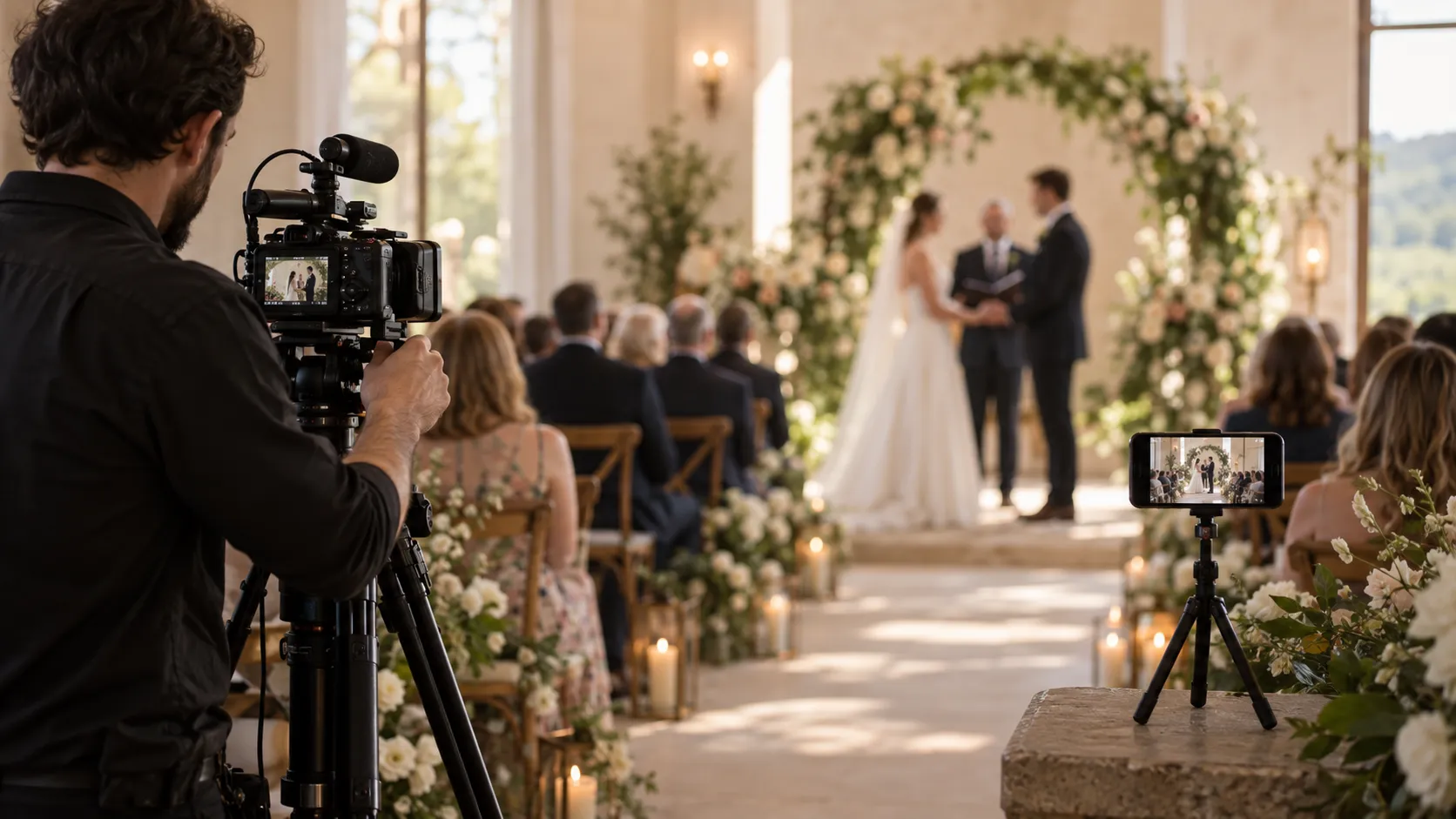
There are already quite a few people involved in organising a wedding.
Photographer. Videographer. Caterer. Florist. Band or DJ. Venue coordinator. Someone who knows where the rings are. Someone else trying to work out why Uncle David still hasn't arrived.
So when you decide that you'd also like to livestream the wedding for people who can't be there, it's reasonable to wonder:
Do we need to hire someone for that too?
The answer is: sometimes.
There are weddings where hiring a professional to produce the livestream is absolutely worth it. There are also plenty where it would be complete overkill.
The important thing is understanding what you're actually trying to achieve.
Do you want to produce a broadcast of your wedding?
Or do you simply want to give people who can't attend a window into it?
Those sound like almost the same thing.
In practice, they're very different jobs.
What does a professional wedding livestream actually give you?
A professionally produced livestream can be impressive.
Instead of one static camera showing the ceremony, you might have several cameras positioned around the venue.
One captures the couple.
Another captures the guests.
Another gets the entrance.
Someone can switch between those cameras live, so the person watching from home sees the important parts of the ceremony from the best available angle.
Audio can also be taken directly from microphones or the venue's sound system rather than relying on the microphone built into a phone or camera.
And perhaps most importantly, there's somebody whose job is simply to make the livestream work.
They're watching the picture.
They're listening to the sound.
They're monitoring the internet connection.
They're making sure the stream hasn't stopped.
If something goes wrong, they're there to deal with it.
That's worth something.
If you want the experience for remote guests to feel like a professionally produced broadcast, then hiring someone who knows how to produce one makes perfect sense.
A phone on a tripod isn't a substitute for a multi-camera production.
And it shouldn't pretend to be.
But is that actually what your remote guests need?
This is where I think the conversation gets more interesting.
Imagine your grandparents can't travel to your wedding.
Or your sister lives on the other side of the world and has just had a baby.
Or an elderly relative isn't well enough to attend.
Or you simply have friends and family scattered across several countries and know that some of them won't make it.
What do those people actually want?
Probably not cinematic camera transitions.
They want to see you get married.
They want to see the entrance.
They want to hear the ceremony.
They want to recognise a few familiar faces.
They want to feel, as much as possible, that they're there with everyone else.
And suddenly the technical requirements look quite different.
The livestream doesn't necessarily need to be a production.
It needs to be a window into the room.
That distinction can save you quite a lot of complexity — and potentially quite a lot of money.
When I would hire a professional
There are situations where I'd strongly consider handing the whole thing over to somebody who knows exactly what they're doing.
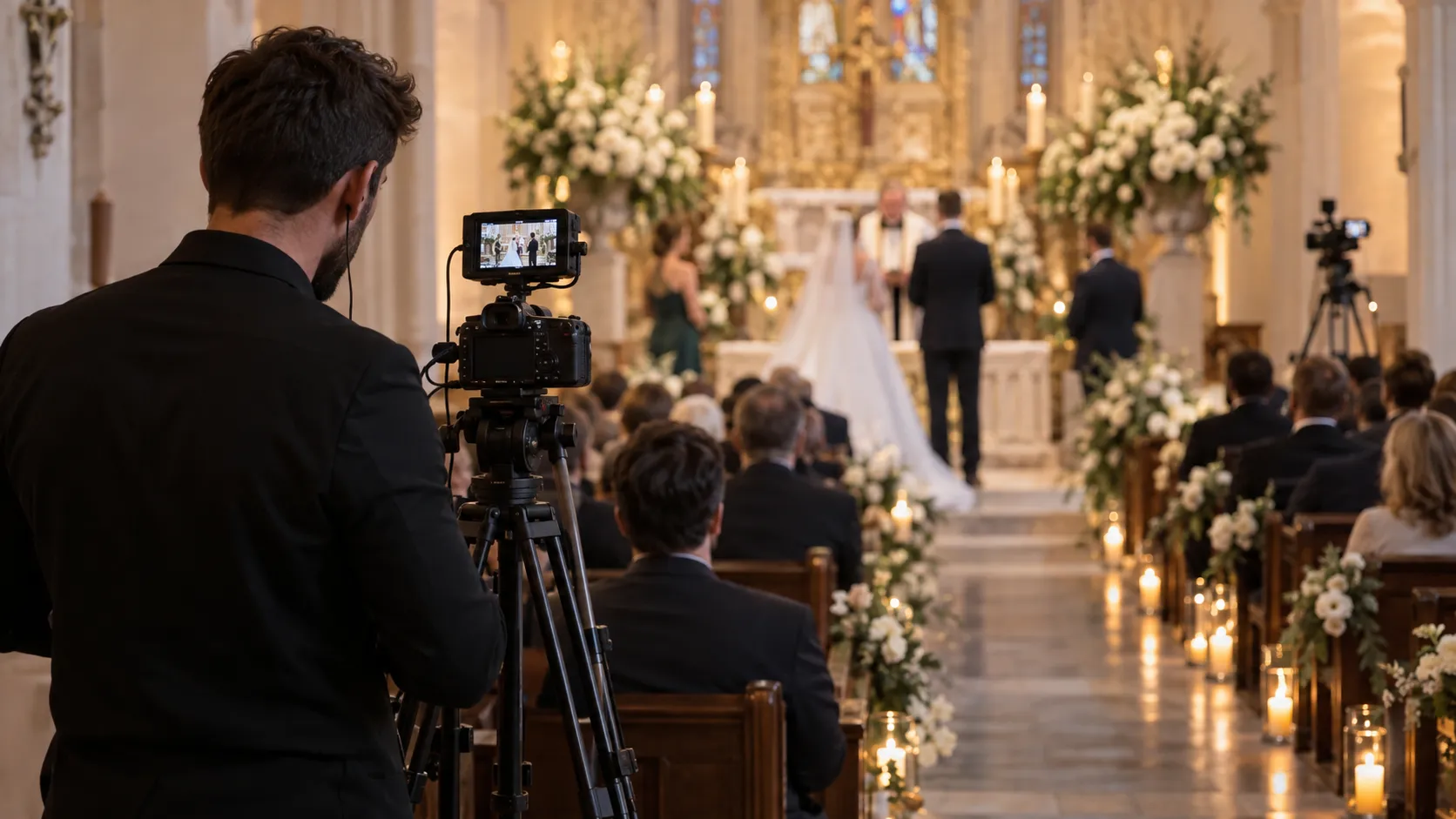
You want multiple camera angles
One camera can only show one thing at a time.
For a straightforward ceremony, that may be completely fine. Put the camera somewhere sensible, frame the important area and leave it alone.
But some weddings aren't like that.
Perhaps the ceremony involves several different parts of a large venue. Perhaps entrances happen from different directions. Perhaps you want viewers to see reactions from guests as well as the couple.
If you're imagining something that cuts naturally between several viewpoints, you're describing a production.
That's professional territory.
Audio is particularly important
People often think about video first when planning a livestream.
In reality, bad audio can ruin the experience faster than an imperfect picture.
If your venue is large, acoustically difficult or you're expecting remote viewers to clearly hear speeches, music and a ceremony taking place some distance from the camera, professional audio equipment can make an enormous difference.
A professional may be able to take sound directly from the venue's microphones or mixing desk and combine it properly with the video.
That's very different from simply hoping a phone at the back of the room picks everything up.
The remote audience is a major part of the wedding
There's a difference between having 15 relatives watching because they couldn't travel and organising a wedding where hundreds of people are deliberately attending remotely.
If the online audience is a significant part of the event, the livestream becomes more important.
At that point, dedicated equipment, redundancy and somebody monitoring the broadcast start to look much more sensible.
The venue presents technical challenges
Some venues are easy.
Good Wi-Fi. Clear sight lines. Power nearby. Plenty of sensible places to position a camera.
Others aren't.
Thick walls. Terrible mobile reception. Unreliable Wi-Fi. Several rooms. Awkward layouts. Outdoor ceremonies hundreds of metres from the nearest access point.
If getting a reliable stream out of the venue is itself a technical challenge, paying someone to solve that problem may be money well spent.
You don't want anyone attending to think about it
This is probably the strongest argument for hiring someone.
Even a simple livestream requires somebody to take responsibility for it.
The phone needs to be positioned.
The stream needs to be started.
Someone should check that it is actually working.
And at some point, it needs to be stopped.
That's not a huge job.
But perhaps you don't want your brother, cousin or friend doing any job at all.
You invited them to the wedding because you want them at the wedding.
There's something very appealing about handing the entire problem to a professional and forgetting it exists.
When you probably don't need a professional livestream
Now consider the other end of the spectrum.
You have 30 people who can't attend.
You'd really like them to see the ceremony.
You're perfectly happy with one clear, stable view.
The venue has decent internet.
You already have a good smartphone.
And there's someone available to spend a few minutes setting everything up.
Do you really need a professional broadcast crew?
Probably not.
A modern smartphone on a stable tripod can produce remarkably good video.
Position it well, make sure it has power, give it a reliable internet connection and test everything beforehand, and you've already solved most of the problem.
The key is being realistic about what you're trying to create.
You're not producing television.
You're helping people you care about attend something they otherwise couldn't.
The person watching probably isn't judging your camera work
This is something I keep coming back to.
When we think about livestream quality, it's easy to imagine the viewer sitting there critically analysing the production.
But picture the actual person watching.
It's your grandmother sitting at home.
Your cousin watching from Australia.
A friend who couldn't get time off work.
A relative recovering from an operation.
They're not wondering why you haven't cut to Camera Two.
They're watching you.
They care about the people in the room far more than the equipment being used to film them.
That doesn't mean quality doesn't matter. It absolutely does.
The picture should be clear. The connection should be stable. Ideally, the viewer should be able to hear what's happening.
But there's a big gap between good enough that the technology disappears and professionally produced broadcast.
Most family events don't need to cross that entire gap.
Don't make the mistake of giving someone a new job
There's one caveat to the DIY approach.
Don't turn a wedding guest into a camera operator unless that's genuinely what you need.
I've seen people imagine a livestream setup where somebody stands there holding a phone throughout an entire ceremony.
That person isn't really attending the wedding anymore.
They're working.
A much better DIY setup is usually one that requires very little attention once the event begins.
Position the phone.
Put it on a proper tripod.
Connect it to power if necessary.
Frame the ceremony.
Start the stream.
Check that it's working.
Then leave it alone.
If you've planned it properly, the person responsible for starting the stream should be able to put their phone away and enjoy the wedding too.
There is a middle ground
It also doesn't have to be a choice between:
£0 DIY livestream
and
full professional broadcast production.
There's a huge middle ground.
Perhaps you're already hiring a videographer.
Ask them whether they'd be willing to help position a separate streaming phone before the ceremony.
They don't necessarily need to produce the livestream itself. Their experience with camera positioning and sight lines alone could be useful.
Perhaps your venue coordinator can check that the phone hasn't been moved.
Perhaps a technically confident friend can arrive ten minutes early, start the stream and then sit down.
Or perhaps you're a photographer or videographer yourself and want to offer a simple private livestream alongside your existing services without building an entire broadcast system.
In fact, this is something that has surprised me since building SimchaCam.
We've seen the product used both by ordinary people streaming their own family events and by professionals using it as part of the service they're providing.
Those aren't contradictory use cases.
They're two different ways of solving the same problem.
What equipment do you actually need for a DIY wedding livestream?
For a simple setup, the list can be refreshingly short.
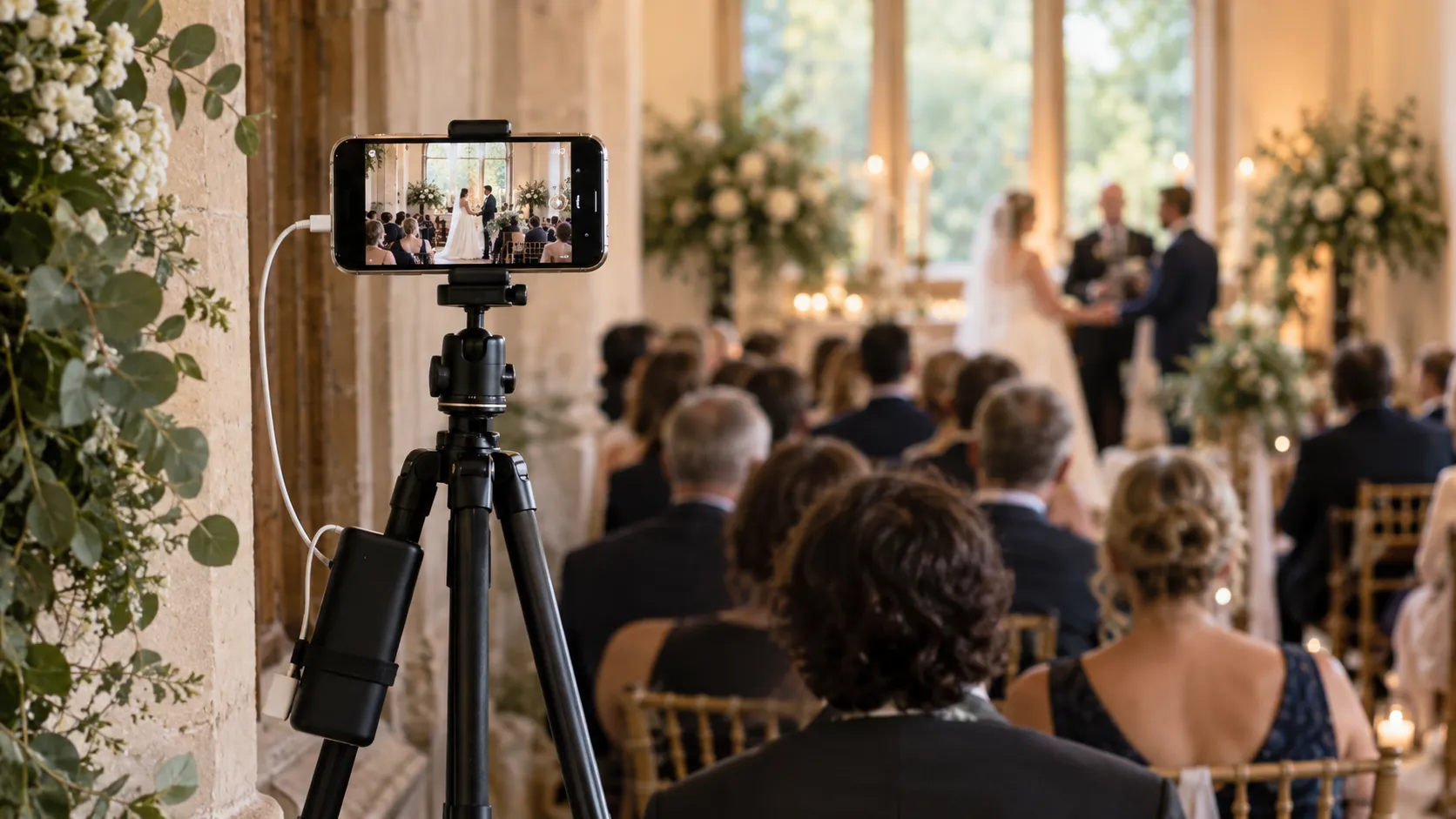
A decent smartphone
You probably don't need to buy a dedicated camera.
Modern smartphones are extremely capable, particularly in decent lighting.
More important than having the newest phone available is making sure the device is reliable, has enough battery and isn't about to spend the ceremony downloading a software update.
A proper tripod
Please don't balance the phone against a flower vase.
A stable tripod is one of the cheapest improvements you can make to a livestream.
It keeps the picture steady and lets you position the phone somewhere useful without requiring a person to hold it.
Power
If you're streaming a short ceremony from a fully charged phone, battery may not be an issue.
For anything longer, assume you'll need power.
A nearby socket or suitable power bank can prevent the livestream ending because somebody forgot that transmitting video continuously uses quite a lot of energy.
A reliable internet connection
This matters more than almost anything else.
And don't just ask the venue:
“Do you have Wi-Fi?”
Test it.
Ideally, test the connection from the exact place where the phone will be positioned.
Venue Wi-Fi can be excellent at reception and almost nonexistent in the ceremony room.
Mobile data may be faster.
Or the opposite may be true.
Find out before the wedding.
A sensible camera position
The best position isn't necessarily the furthest point at the back of the room.
You want a clear view of the important part of the ceremony without putting the phone somewhere guests will constantly walk in front of it.
Think about height as well.
A camera positioned at seated-head level behind six rows of guests may produce a beautiful livestream of the backs of six rows of guests.
Do a test.
Record 30 seconds from the position you're considering and watch it back.
You'll learn more from that than from an hour of theorising.
What about the people watching?
This is the other half of the equation.
You can build the world's most elaborate streaming setup and still make the experience miserable if joining it is difficult.
Remote guests shouldn't need a technical briefing before your wedding.
Ideally, the instructions should be something like:
“Here's the link. Open it when the ceremony starts.”
That's particularly important when the people who couldn't attend are older relatives.
You don't want Grandma installing broadcasting software.
You don't want her creating an account five minutes before the chuppah.
You definitely don't want somebody troubleshooting her microphone.
She isn't broadcasting anything.
She just wants to watch.
Where SimchaCam fits
This is essentially the gap I built SimchaCam for.
There are video calls at one end.
There are sophisticated professional broadcasting systems at the other.
And between them is a very ordinary requirement:
Someone important can't be here. Let them watch.
SimchaCam is designed around separating the person streaming from the people watching.
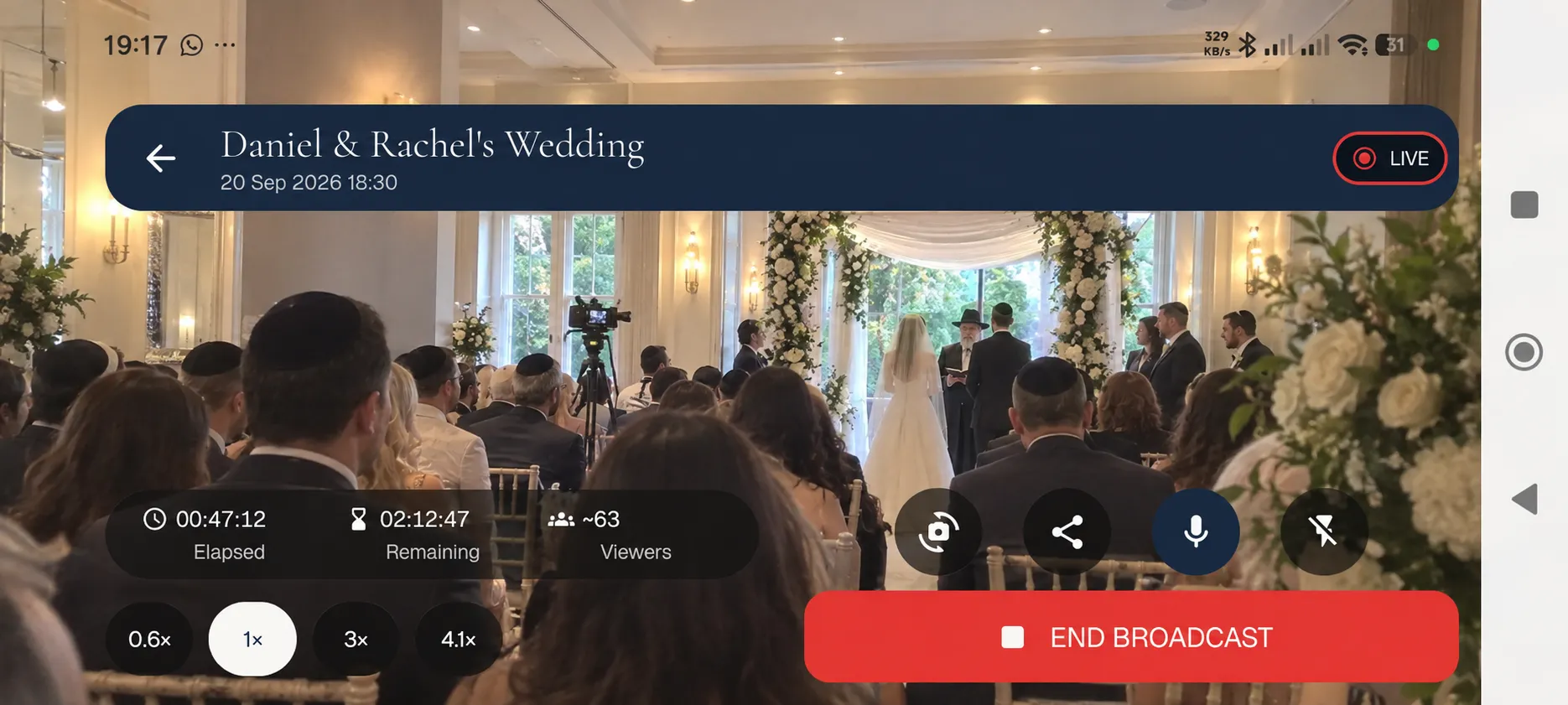
The person at the event can stream from their phone.
The viewers receive a private link and watch through their browser.
They don't need the streaming app.
They don't need a SimchaCam account.
They aren't joining a video meeting.
They're simply watching the event.
Events can also be password protected when another layer of privacy is appropriate.
The goal isn't to replace professional wedding videographers or livestream production companies.
If you want a professionally produced broadcast, you should hire somebody capable of producing one.
The goal is to make professional production optional when your needs are actually much simpler.
What about your wedding videographer?
It's worth making another distinction here.
Livestreaming and wedding videography aren't really substitutes for each other.
A wedding videographer is creating something for you to keep.
They'll capture moments throughout the day, work with different shots and angles, edit the footage and ultimately produce a film that you may watch years later.
A livestream solves a different problem.
It lets somebody experience the event while it's happening.
If your budget allows for a videographer and you value having a professionally made wedding film, hiring one can still be completely worthwhile even if you're handling the livestream yourself.
Equally, having a professional livestream doesn't necessarily give you the edited wedding film you'd expect from a videographer.
They're related services, but they're not the same thing.
Ask yourself one question
If you're deciding whether to hire somebody specifically to livestream your wedding, I'd start here:
What experience do I want the people watching remotely to have?
If your answer is:
“I want them to feel like they're watching a professionally produced broadcast with excellent sound, several camera angles and somebody managing everything.”
Hire a professional.
You'll probably be happier with the result.
But if your answer is:
“I just really want Grandma to be able to watch us get married.”
You may not need nearly as much equipment, expense or complexity as you think.
A good phone.
A tripod.
Reliable internet.
A sensible position.
A private viewing link.
And five minutes spent testing everything before the event.
That can go a surprisingly long way.
The best livestream is the one nobody has to think about
Ultimately, I don't think wedding livestreaming should become another complicated part of organising a wedding.
The people physically attending should be able to enjoy being there.
The people watching remotely should be able to open a link and feel included.
And once the ceremony starts, ideally nobody should be thinking about the technology at all.
Sometimes achieving that means paying a professional to take complete responsibility for it.
Sometimes it means putting a phone on a tripod and keeping things deliberately simple.
Neither approach is inherently better.
They're just designed for different weddings.
The trick is working out which wedding you're actually planning.